Bookings
"Who booked with me this week?"
InviteeEventWhenStatus
María TorresProduct demoThu 10:00 a.m.Confirmed
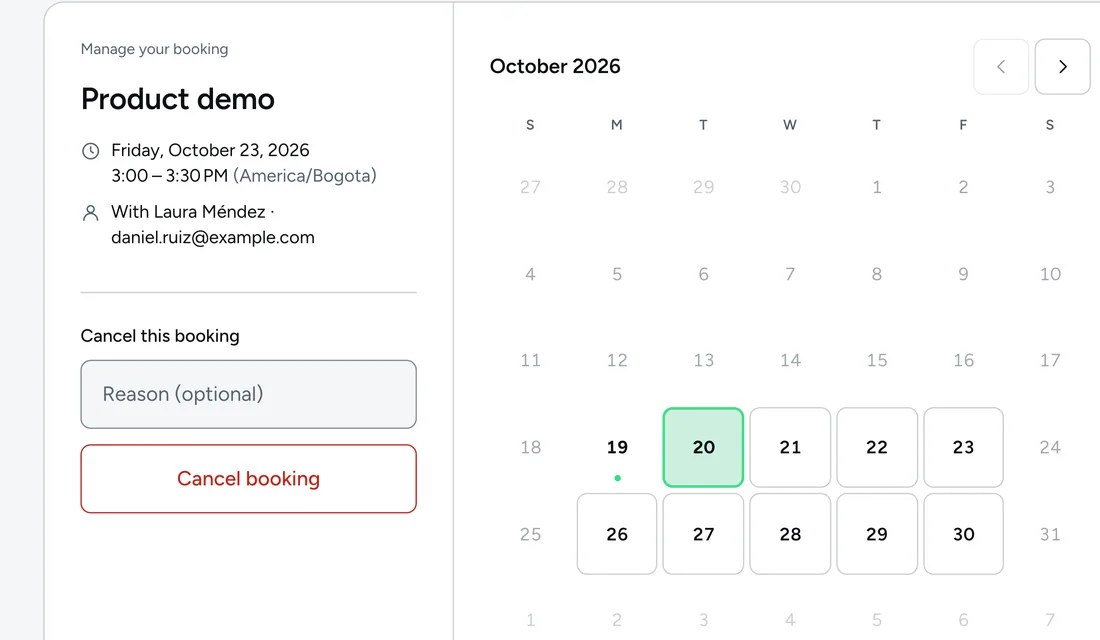
Daniel RuizProduct demoFri 3:00 p.m.Rescheduled
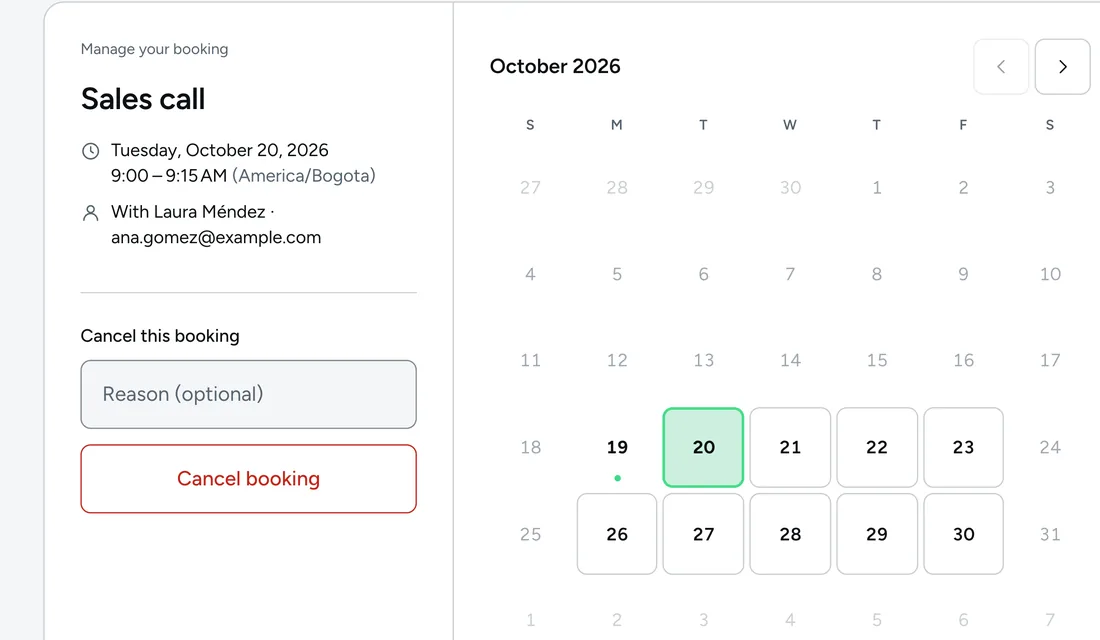
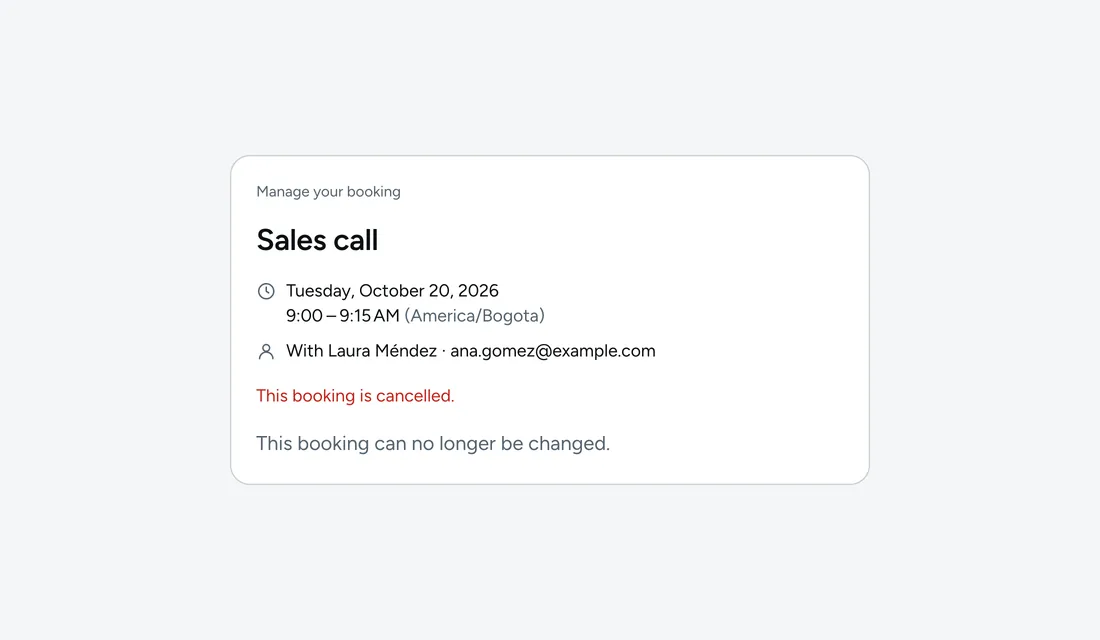
Ana GómezSales callTue 9:00 a.m.Cancelled


Made for agents. Free and open source.
Your agent finds a free time, books the meeting and moves it when plans change. You just show up.
Connect to the dCal MCP and book me a 30-minute demo with Sarah on Thursday afternoon.
ConnectUse it from your agent
 Claude
 Claude Code
 Codex
Codex Cursor
 ChatGPT
Dapta's voice and text agents already book meetings on dCal.
How it connects
Add dCal to your agent with one link. From then on, every meeting is one message away and every booking lands on your calendar.
01 · Connect
Add mcp.dcal.ai to Claude Code, Codex, Cursor or your own agent. One link, no code.
02 · Ask
Ask for the meeting in your own words. Your agent finds the free time and books it.
03 · Get it
The meeting lands on your Google Calendar or Outlook, and your invitee gets the confirmation by email.
Claude
dCal connected
How many meetings do I have this week?
dcal · list_bookings
You have three confirmed demos this week. The call with Ana was cancelled.
Send me my link for booking demos.
dcal · list_event_typesdcal · get_booking_page_link
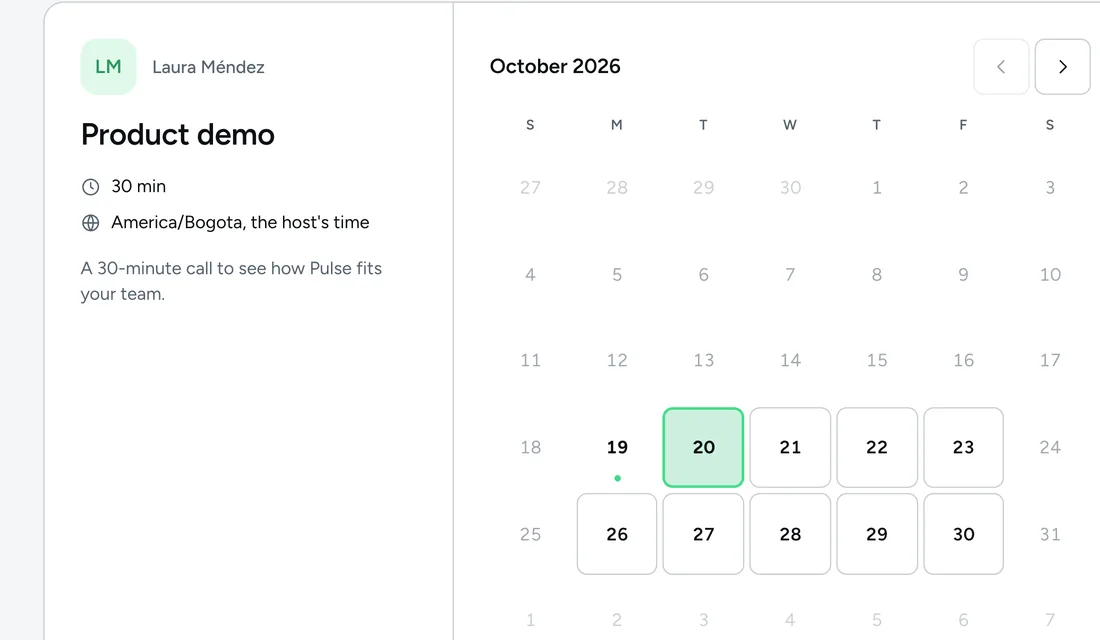
Here it is: calendar.dapta.ai/pulsehq/laura/product-demo
Link ready in dCal
Pulse
Live in your dCal
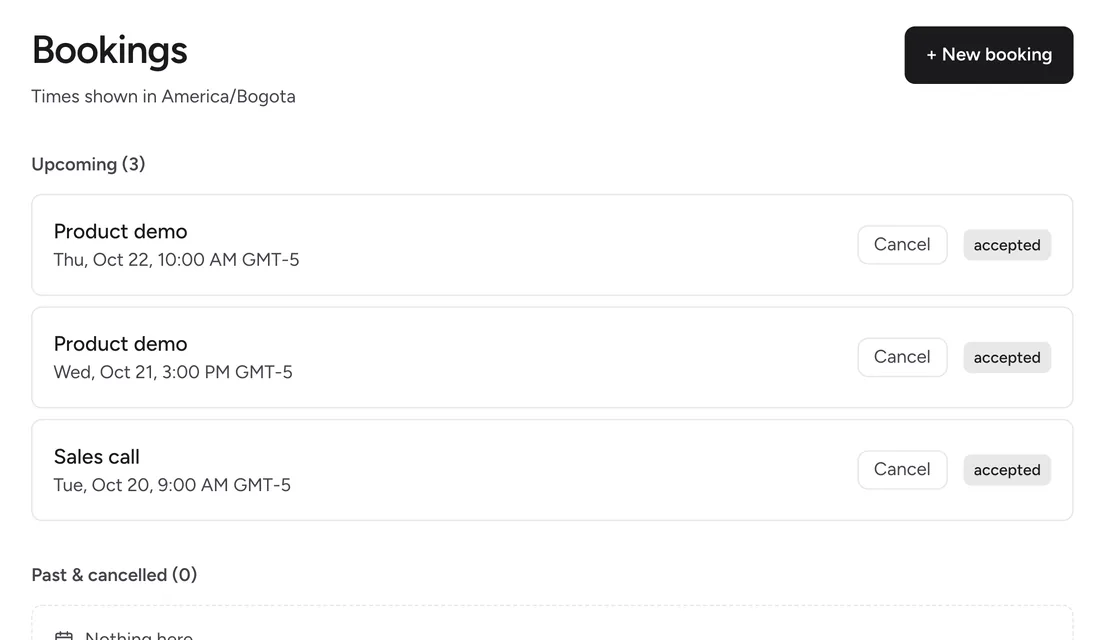
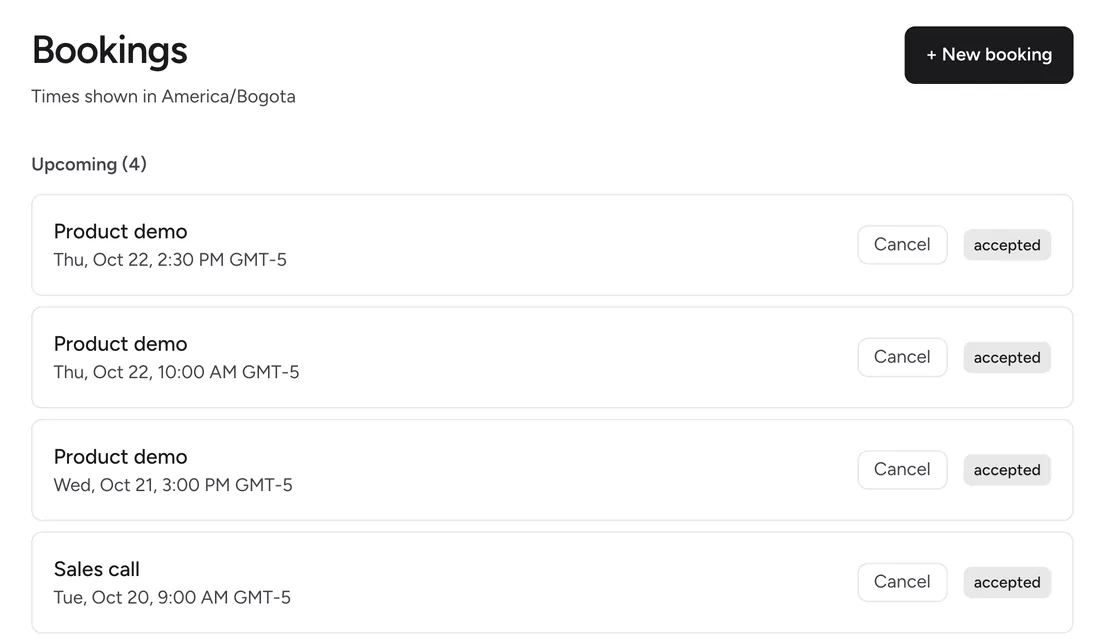
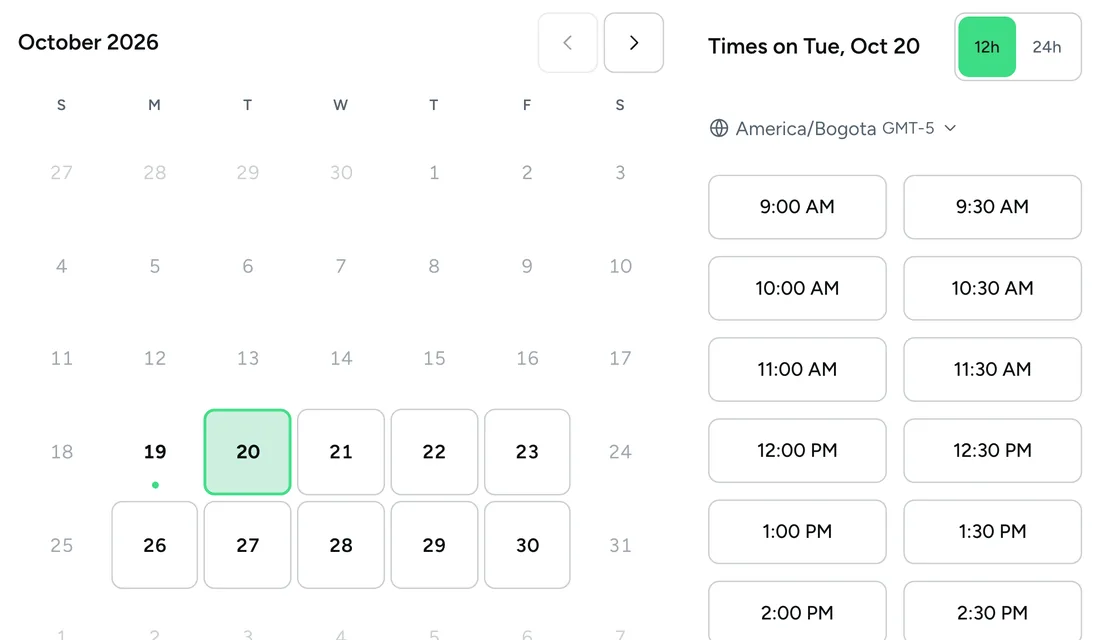
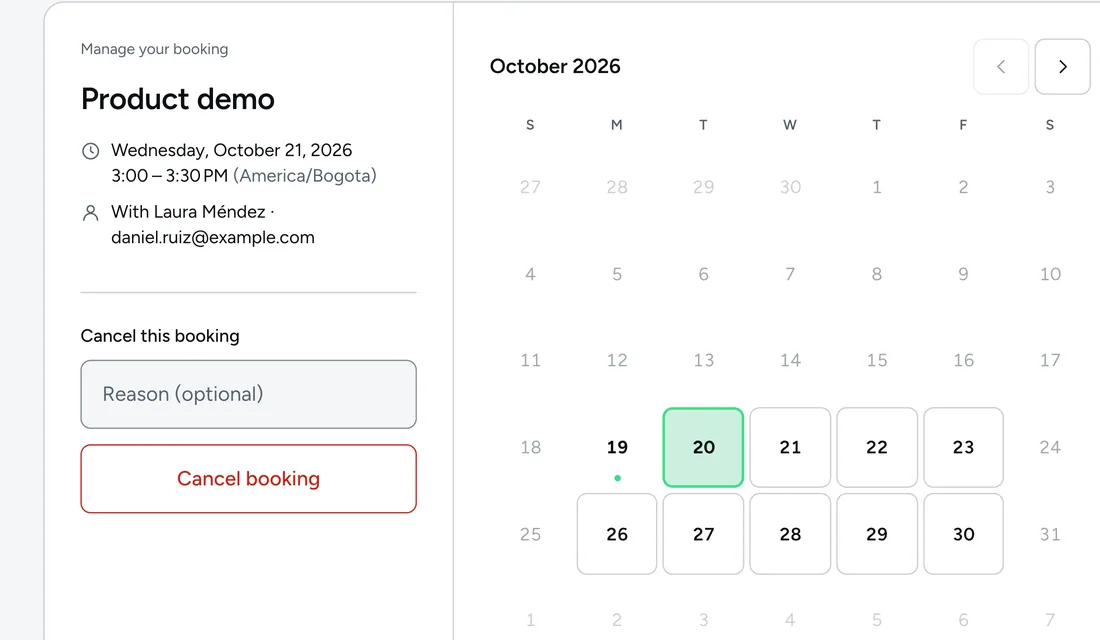
 Claude Code
dCal connected
Claude Code
dCal connected
Welcome to Claude Code!
cwd: ~/pulse
Book a 30-minute demo with Sarah Collins on Thursday at 2:30 p.m.
dcal - find_available_slots (MCP)(event_type: "Product demo")
Thursday at 2:30 p.m. is free
dcal - create_booking (MCP)(invitee: "Sarah Collins")
Booking confirmed
Done. Sarah's demo is on Thursday at 2:30 p.m., and Sarah already has the confirmation email.
Booking created in dCal
Codex
dCal connected
What times do I have free on Tuesday for the product demo?
WorkingWorked for 2s
On Tuesday you have free times all morning and all afternoon, in your time zone. Should I book one?
Tuesday's times, in dCal
 Cursor
dCal connected
Cursor
dCal connected
Move the demo with Daniel to Friday at the same time.
Calling MCP tool dcal.reschedule_bookingCalled MCP tool dcal.reschedule_booking
Moved to Friday, same time. Daniel got the notice with the new date.
Booking rescheduled in dCal
Claude
dCal connected
Send me my link for booking demos.
dcal · list_event_types dcal · get_booking_page_link
Here is your link for the product demo: calendar.dapta.ai/pulsehq/laura/product-demo
Link ready in dCal
ChatGPT
dCal connected
Cancel tomorrow's call with Ana and let Ana know.
dCalcancel_booking
Cancelled. Ana got the cancellation email and that time is free again.
Booking cancelled in dCal
Integrations
Your agent books on your Google Calendar or Outlook, tells your CRM and triggers your automation. No copying by hand.
"Put it on my Google Calendar."
 The meeting is on your calendar, with your invitee
"Check my work Outlook too."
 Reads your busy times in both accounts
"Send every booking to HubSpot."
 Contact and meeting created in HubSpot
"Ping our Zapier on every booking."
 A signed webhook on every booking



What your agent can do
10 actions on a single connection: find times, book, move, cancel and read your bookings.
Bookings
"Who booked with me this week?"
Availability
"How full is my next week?"
Monday63%
Tuesday38%
Wednesday88%
Wednesday is almost full. Should I move the 4 p.m. demo to Thursday?
Events
"Send me the link to the 30-minute demo."
Lists your events and shares the right link.
Changes
"Move the meeting with Daniel to Friday."
Reschedules or cancels, and your invitee gets the email.
Permissions
"Give this agent read-only access."
Every key has its own permissions. Cancelling needs a separate one.
Connecting calendars, inviting people and changing roles stay in your hands. Your agent works with the key you give it, and you can revoke it instantly.
Read the MCP docsHow it works
From the first question to the meeting on your calendar, without leaving your agent. The results show up right there, in the chat.
Step 1
Ask for your link. Your agent gives you the booking link of each event.
Step 2
Ask when you are free. It finds open times on your calendar, in your invitee's time zone.
Step 3
Tell it who and when. The meeting is confirmed and your invitee gets the invite.
Step 4
If plans change, ask it to move it. It moves on your calendar and your invitee gets the notice.
Step 5
Ask how your week looks. It lists your bookings with their status.
Claude
dCal connected
Send me the link so people can book the product demo.
Here is your product demo link. Your invitees pick a day and time from your free times.
Product demoLive in your dCal
What times do I have free on Thursday? Sarah is in Mexico City.
On Thursday you have times all morning and all afternoon. Here they are in Mexico City time.
Product demoLive in your dCal
Book the demo with Sarah Collins on Thursday at 2:30 p.m.
Done. Sarah's demo is on Thursday at 2:30 p.m., and Sarah already got the confirmation with the calendar invite.
Product demoLive in your dCal
Daniel can't make Wednesday. Move the demo to Friday at the same time.
Moved to Friday, same time. Daniel got the notice and the event moved on your calendar.
Product demoLive in your dCal
How does my week look? Who booked and what changed?
You have three demos this week: María and Sarah on Thursday, and Daniel, who moved to Friday. The call with Ana was cancelled.
Product demoLive in your dCal
Open source under the MIT license, MCP included. Run dCal on your own server with Docker Compose and point your agent at it.
Point your agent at your own server
{
  "mcpServers": {
    "dcal": {
      "url": "https://api.yourcompany.com/mcp",
      "headers": {
        "Authorization": "Bearer ${env:DCAL_API_KEY}"
      }
    }
  }
}
MIT
A permissive license, MCP included.
Self-host
Docker Compose, with SQLite or Postgres. Your data.
$0
No paid plan to book meetings.
No limits
Unlimited event types and bookings.
None of them is an add-on or a separate plan. They are in your calendar from the first meeting.
Share the meetings out: round-robin, collective or with fixed hosts.
Every booking shows up on your Google Calendar or Outlook, and moves or disappears on its own.
Checked by the app, enforced by the database.
Paste one snippet and your booking calendar lives inside your site.
Up to 10 email reminders per event, plus a follow-up.
Add your own questions to the booking and send them to HubSpot.
Your invitee picks their zone and everyone sees the time in their own.
10 design controls, 4 ready-made looks and a brand kit.
Confirm each request before it is final.
Your invitee books and gets the emails in their language.
Comparison
Your agent gets all of this from day one. In Calendly, every row of this table needs a paid plan; in Cal.com, everything for teams does.
| Feature | dCal | Calendly | Cal.com |
|---|---|---|---|
| For one person · in Calendly from Standard, 10 USD a month | |||
| Unlimited event types | Free | Standard | Free |
| Several connected calendars | Free | Standard | Free |
| Email reminders | Free | Standard | Free |
| HubSpot | Free | Standard | Free |
| Group and collective events | Free | Standard | Teams |
| For a team · Calendly Teams, 16 USD; Cal.com Teams, 12 USD | |||
| Round-robin across your team | Free | Teams | Teams |
| Shared team calendar | Free | Teams | Teams |
| On no plan | |||
| Open source (MIT) for production | Yes | No | Personal use only |
| Voice and text agents that book | Dapta agents | No | Cal.ai, paid |
| All of it | $0 | 16 USD | 12 USD |
Prices in USD per user per month, billed yearly, from calendly.com/pricing, cal.com/pricing and cal.com/ai on . "All of it" is each one's Teams plan. Billed monthly, Calendly Standard is 12 and Teams 20; Cal.com does not show its monthly price on that page. Cal.ai, its phone agent, costs 0.29 USD a minute. Calendly's Free plan includes one event type and one calendar. Cal.com's public code is Cal.diy, which its own repository recommends "strictly for personal, non-production use".
Connect to the dCal MCP and book me a 30-minute demo with Sarah on Thursday afternoon.